
You know this already:
Applying for
advertised jobs
is hard.
Introduce yourself to your next boss instead. Create a web page just for them - their name at the top, your insights into their business, and how you'll be valuable to them. All explained in your own words.
Welcome to
ProfileCraft.

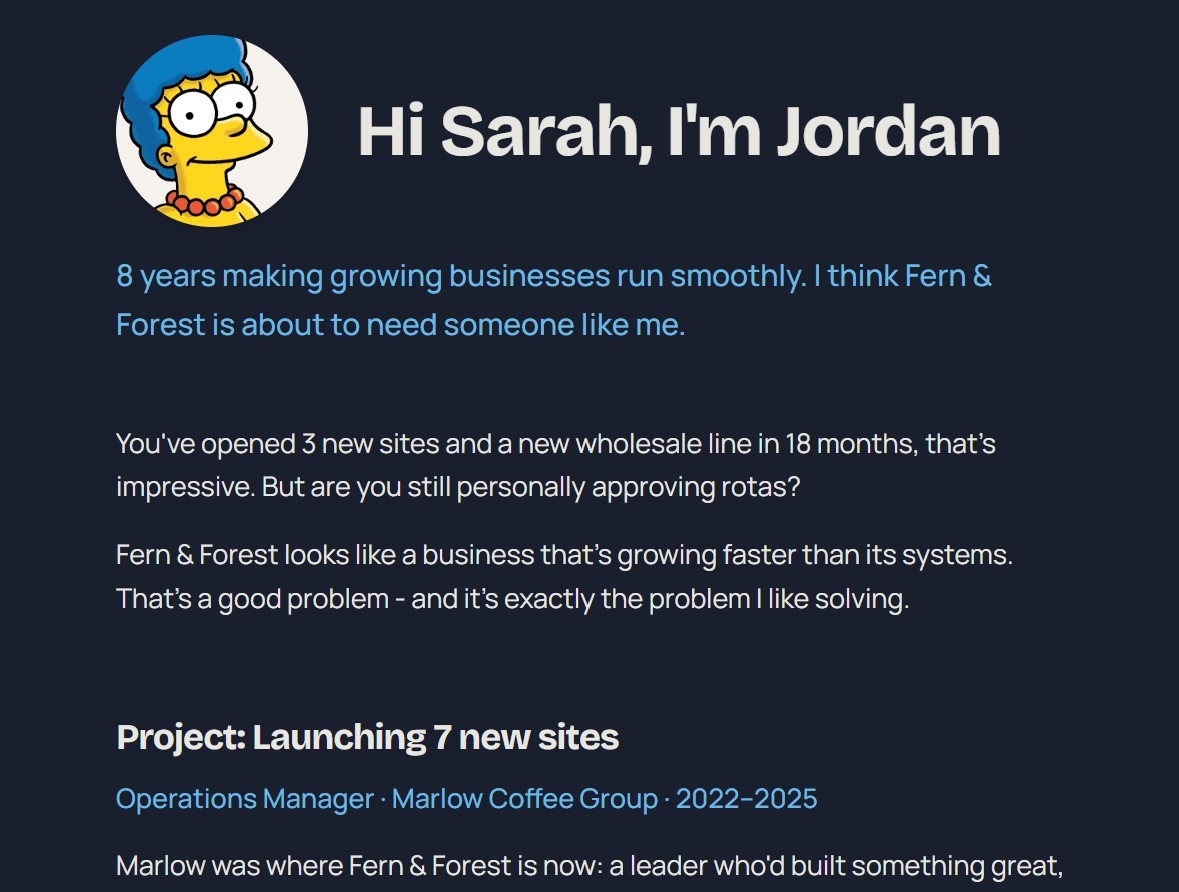
Stand out
Make an impression in a way that an application never will.
You bring the thinking
- Research the company and the person you're approaching
- Show your understanding of their situation
- Explain your value to them, in your own words, with evidence
ProfileCraft makes it land
- A professional-looking page that your target wants to read
- All your thinking, shown at its best
- Clear and easy to take in, structured to be absorbed and acted on
ProfileCraft showcases your ideas and your voice.
It's the start of a conversation.
How it works
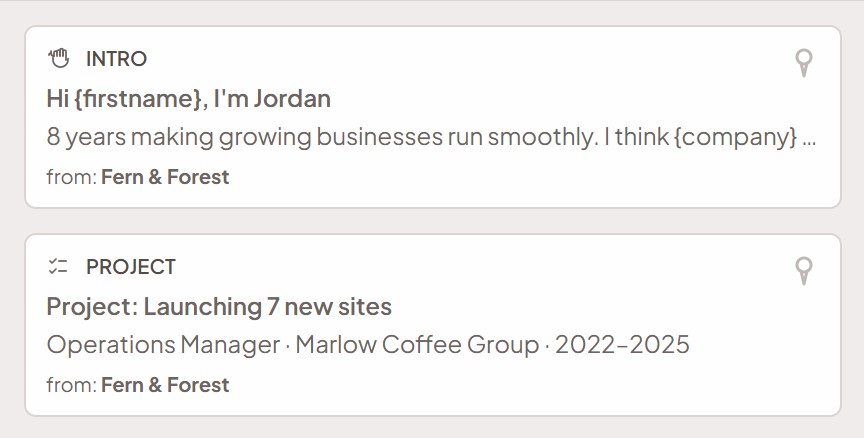
Explain your case, block by block
Compose your profile from content blocks (7 types) - your story, your evidence, your numbers. Every block you create is saved to your library, ready to reuse or adapt for the next profile. And you can use AI to help you draft, if you like.
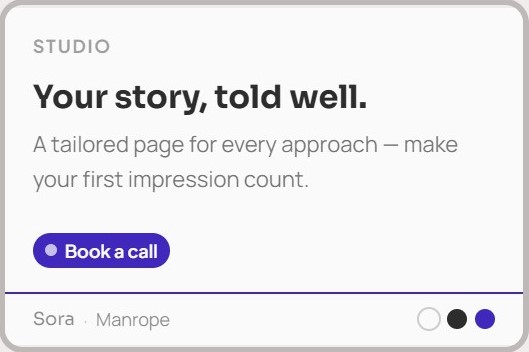
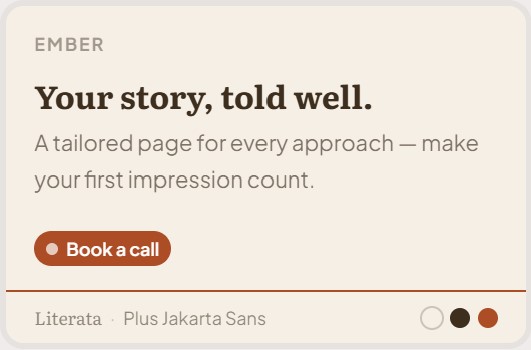
Make it yours, and easy to say 'yes' to
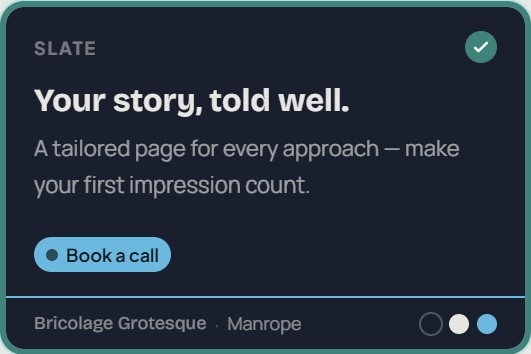
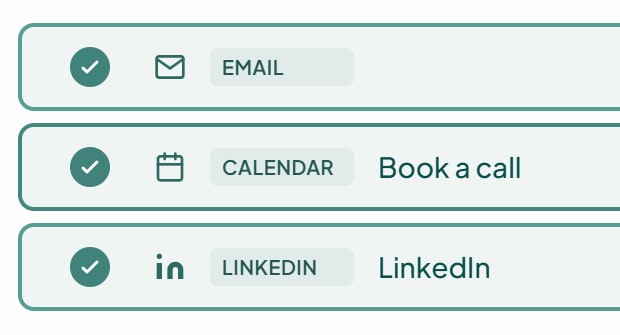
Choose a look that fits you, and the actions you want to offer them: reply by email, book a call, view your LinkedIn - whatever works for you.

One unique link, just for them
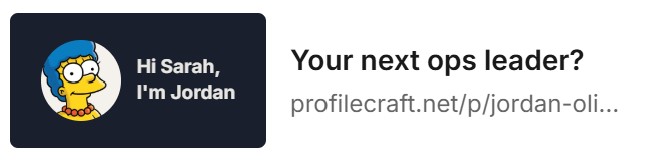
Publish and send it their way - a link in a short email, or a LinkedIn message where it unfurls as a card.
Their name at the top. Your thinking all the way down.
They open a page that's unmistakably for them - your understanding of their world, your value, clearly laid out. And when they're convinced, the next step is one click away.
See the moment it lands
You're notified when they open it - and you can see how far they read, and which actions they click. Follow up while you're fresh in their mind.


Your conversation
has begun
Then do it again, faster
The next one is easier - your best blocks are already written.
You've seen what works, so identify who you'll approach next, remix and send.
What does a profile look like?
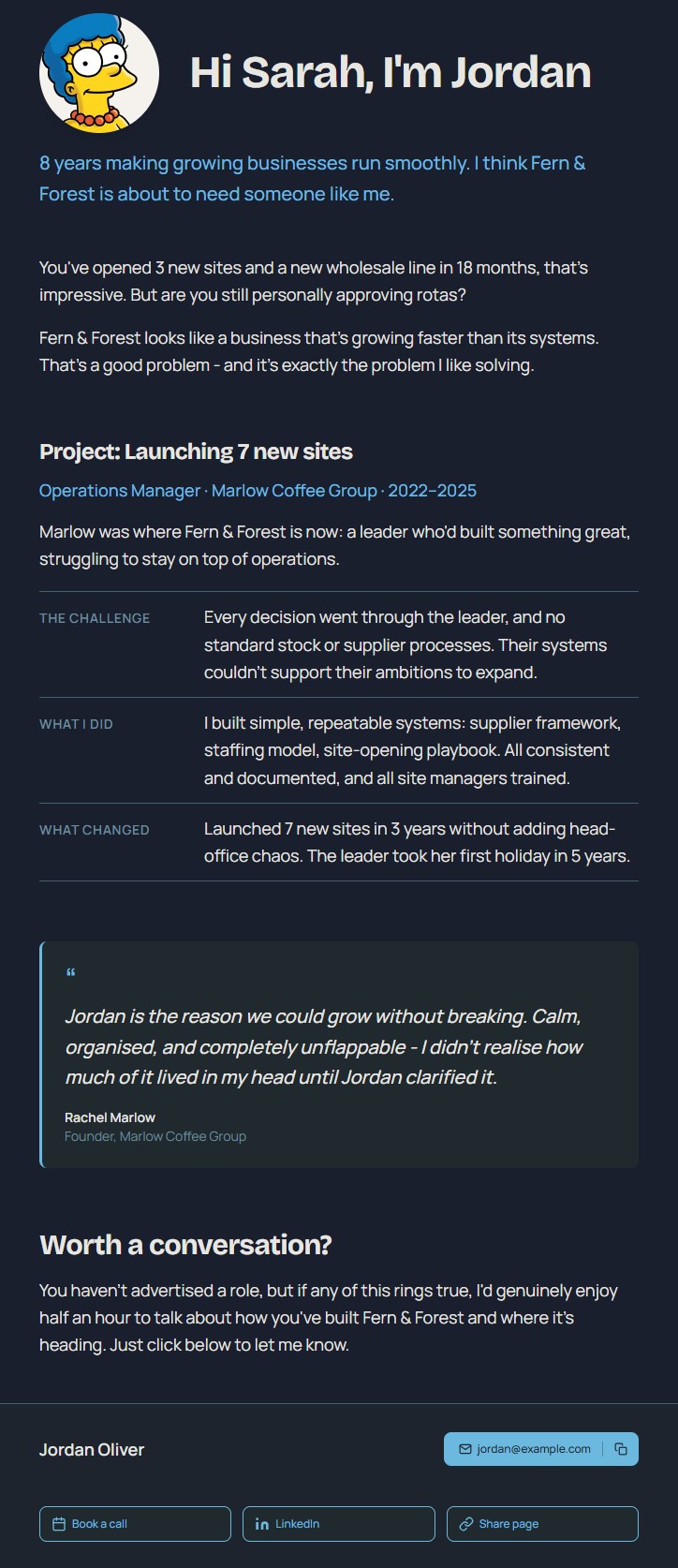
Profiles are made up of remixable and reusable blocks, so creating a profile is easy. Here's an example - hover over to see the separate blocks:
Make your first approach:
Create your first profile for freeApproaching beats applying
Today, applying costs nothing. So applications are worth nothing.
Most job ads draw hundreds of applications, with many of them AI-generated in seconds. Systems filter them, recruiters skim them (if you're lucky), and almost everyone gets silence back. When anyone can apply to a hundred jobs in an afternoon, being one of them means almost nothing.
Making a visible effort to connect with one specific person is the only thing that cuts through.
What works is showing your thinking: that you understand their world, can see where you could fit in it, and are saying so in your own words - just for them. ProfileCraft takes the production work off your hands, so you can put your effort into where it shows.
One real conversation is worth more than a hundred applications.
When the person you've chosen has read your case and knows who you are, you've made a new connection: that's what makes it worth it.
The Deal
You're early...
ProfileCraft is new. It's live, with its first users, and we have new features planned.
...and early users get lifetime free access.
So now is a good time to join. In return, tell us what's working and what's missing - we'd love to hear what you think. The thing you ask for might be the thing we build next!
ProfileCraft won't stay free forever - we think it's worth paying for. So sign up now.
We believe it works. If you do too, come along for the ride.
Introduce yourself to your next boss:
Create your first profile for freeFAQs
What is ProfileCraft?
ProfileCraft is for you if you're willing to do the research and thinking to make an impression on a specific person you want to work for - any industry, any seniority.
ProfileCraft is especially useful for generalists (operations, project management, chiefs of staff etc.) and career changers - your value often doesn't fit into a job-ad checkbox.
It's also useful for freelancers and fractionals approaching clients.
These all present a single version of you to everyone. You have so much to offer, but you need to explain this differently to different employers - a generic version of you struggles to cut through anywhere.
A ProfileCraft profile is specifically targeted at one reader, with their name at the top.
Making a profile
Most of the work is in researching your target, finding insights, and matching your value to what would benefit them. Your profile is less likely to make an impression if you don't show this - and this is true no matter how you make the approach.
Once you know what you want to say, how to say it concisely, and what evidence you're going to support it with, then putting your work into a profile is easy. From here you should be able to create your first profile in under half an hour.
Profiles are composed of 'blocks' - there are 7 different types for different parts of your story. Every block you create is saved to your library, so you can reuse and adapt them - so your second, third, and twentieth profiles will take less and less time each.
We handle the design and layout - you just choose a theme for your profile that suits you (colours and fonts). Our blocks give you structure so you're never facing a blank page, and you can use AI to help you draft if you like.
The only thing we can't supply is your thinking.
We deliberately haven't built AI writing into ProfileCraft. We believe that the value of your profile is that it's unmistakably you, and we think it should be in words you've chosen.
But you can certainly use AI to help with your research, fine-tuning your insights, then drafting, structuring, and refining. We support you using AI in this way if you wish - and (soon) we'll provide guidance, prompts and connections to your tools to help.
Sending your profile
When your profile is ready, click 'Publish' - this gives you a live link which you share with your target (you can unpublish it if you want to deactivate the link).
Profiles are not publicly discoverable or searchable. Each profile has its own unique, unguessable link. Anyone who has the link can open it - but only you decide who gets it, and no one else can find it (although the recipient can choose to share it with a colleague). Clicking the link only opens the one profile - they don't see your other profiles, or anything about anyone else.
We can't promise this. You still need to earn the click with the message you send with it. But curiosity is on your side: "a page made for me?" is more intriguing than an email attachment.
If you share the link in a LinkedIn direct message, the link will be replaced with a small styled card with a few words from you, and your photo if you like. You can also share the link by email, or any other platform (WhatsApp, Slack, etc.)
When they click the link, they see a clean web page addressed to them - there's no cookies banner, nothing to download or sign up to. There's only a discreet ProfileCraft link if they want to understand where this came from.
Including a link to a web page made just for your target helps your email to stand out and cut through. It means your email only needs to do one job: earn the click.
Then the ProfileCraft page they see has much more than an email alone can include: your thinking and evidence, well structured and designed, with a clear action - and you'll know when they read it.
What happens next
We record that the page is opened (i.e. the link was clicked), and when. We can't be certain who clicks it, but because you've only sent it to one person, it's usually clear who that is (and if they pass the link on, that's usually a good sign).
We also record how long they spend with it open, how far down they scroll, and which of your actions they click. You can see all this immediately in your Dashboard, so you know which messages are landing, and you can follow up at the right time if you like.
At the bottom of each profile is the 'Call to action' band. This has your email, and a Share button so they can pass the link to a colleague.
You can also choose up to 3 additional actions to offer them: a link to book a call with you, your LinkedIn profile, phone number, a website or online file link.
In one click, they can start a conversation with you.
Our offer
Early users will always have free access to ProfileCraft, for as long as it exists. This covers current features, and future core features. We want to thank you for helping us to develop and improve ProfileCraft in its early days.
There's only one proviso: if in future we add features that cost us to deliver, we may have to ask you to contribute if you want to use these.
We plan to offer ProfileCraft more widely soon, on free or paid plans.
Email us at support@profilecraft.net. The thing you ask for might be the next thing we build!
Make an impression:
Create your first profile for free